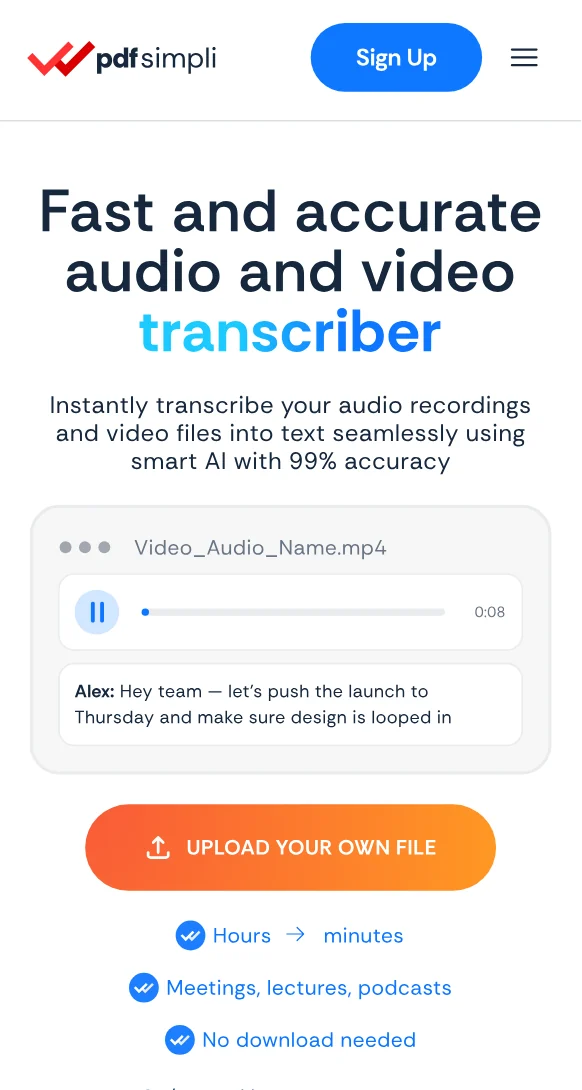
Transcribe video files to text

Turn webinars, meetings, lectures and recorded calls into text you can search, quote and utilize

Hours of footage returns as text in a fraction of playback
Review dialogue against timestamps and video context
Subtitle files ready in SRT, VTT and SSA

24/7 multilingual phone, chat
and email support | +1-844-898-1076

audio
Upload Your Files
Drop Audio or Video Here
or

Everything you can do with TranscribeSimpli

Do more with AI-powered transcription

Turn hours of listening into minutes of reading

  • Transcribe video without watching it back a second time
  • MP4, MOV, AVI, MKV and more upload as they are
  • Speaker changes marked so meetings read like minutes
  • Keep the record as a searchable PDF or Word document
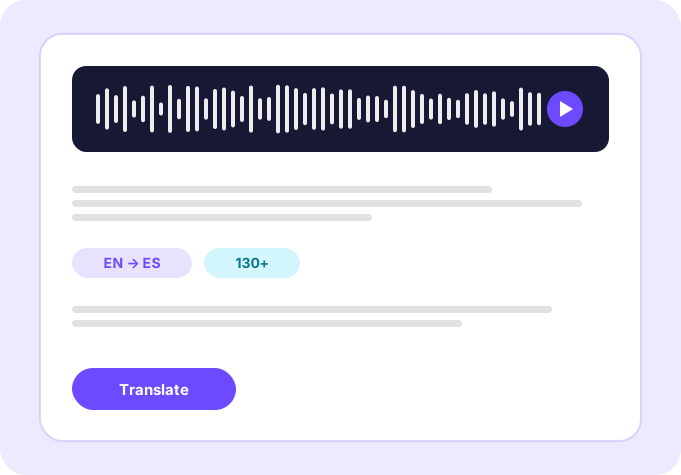
Translate transcripts

Frequently asked questions

Simple answers to your questions

What video formats are supported?
MP4, MOV, AVI, MKV, WMV and most other common video files can be uploaded directly.
Can I get subtitles from a video transcript?
Yes. Transcripts export as SRT, VTT and SSA subtitle files alongside PDF and Word.
Does the transcript include timestamps?
Every segment carries a timestamp, so you can jump from a line of text to that moment in the video.
How long does a one hour video take?
Most hour-long videos finish in roughly five to ten minutes rather than the full hour of playback.
Making transcript simple
The TranscribeSimpli app showing a transcript with speaker labels and a waveform
Transcribe simpli tools