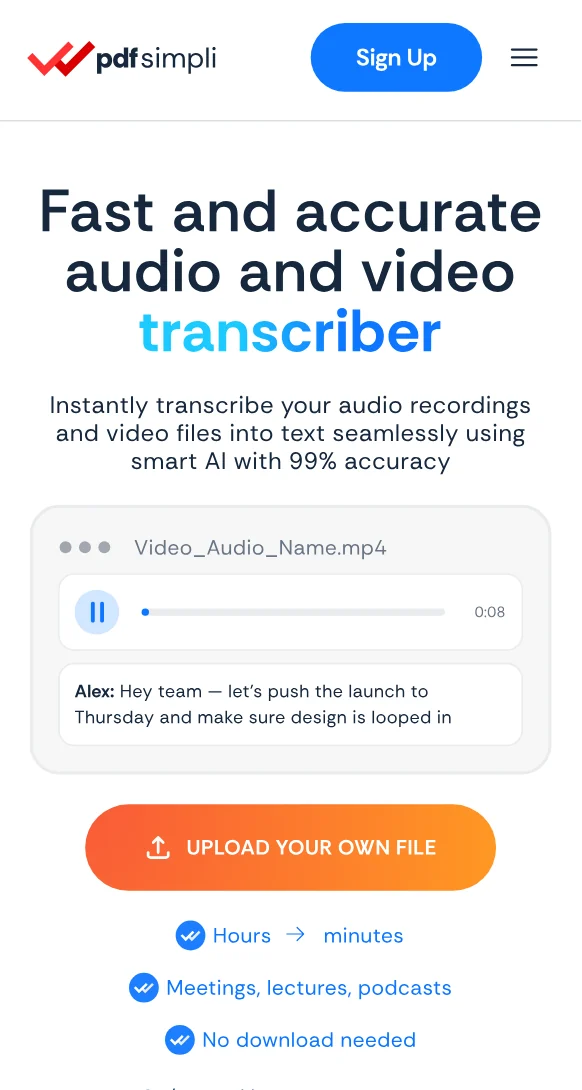
Transcribe on YouTube in minutes

Turn a saved YouTube video into editable text for review, notes, captions, and reuse with confidence

Get the full text of a video on YouTube without the rewatch
Timestamps make it easy to jump to the exact moment
Skim a forty minute talk in about four minutes of reading

24/7 multilingual phone, chat
and email support | +1-844-898-1076

audio
Upload Your Files
Drop Audio or Video Here
or

Everything you can do with TranscribeSimpli

Do more with AI-powered transcription

Turn hours of listening into minutes of reading

  • Paste a link and get readable text back in minutes
  • Copy quotes without scrubbing through the timeline
  • Study notes, research quotes and citations in one pass
  • Read clean text instead of watching YouTube video twice
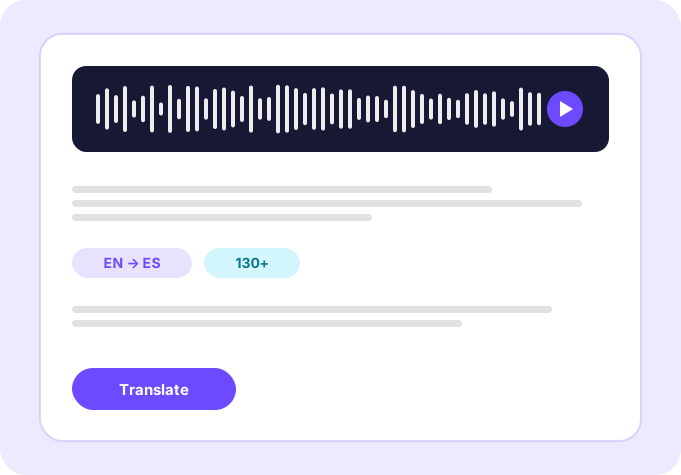
Translate transcripts

Frequently asked questions

Simple answers to your questions

How do I transcribe a video on YouTube?
Paste the video link or upload the file, and AI returns a timestamped transcript you can read, edit and export.
Are auto-captions the same as a transcript?
Not quite. Auto-captions often miss punctuation, names and speaker changes, while a generated transcript is formatted to read as a document.
Can I transcribe a long lecture or podcast episode?
Yes. Hour-long and multi-hour recordings are supported, and timestamps keep a long transcript navigable.
Does it handle videos in other languages?
Multiple languages are supported, and the AI is trained on a wide range of accents within them.
Making transcript simple
The TranscribeSimpli app showing a transcript with speaker labels and a waveform
Transcribe simpli tools